PAL tagging, done properly.
Partner Admin Link is the cheapest Azure growth lever a Microsoft partner has, and the one most often half-implemented. This guide covers what to tag, who does it, and how to check it is actually working.
What PAL tagging is
PAL tagging links your Partner One ID to the identities your team uses inside a customer's Azure tenant. Once the link exists, Microsoft attributes the Azure consumption those identities can see back to your organisation. That attributed consumption is what drives your Azure performance metrics in Partner Center, your Solutions Partner designation scores and your eligibility for several incentive programs.
It costs nothing, it changes nothing for the customer, and it takes a couple of minutes per identity. The reason partners still lose money on it is that tagging is treated as a one-off task rather than something built into how consultants are onboarded onto customer accounts.
How to tag, step by step
1. Confirm your Partner One ID
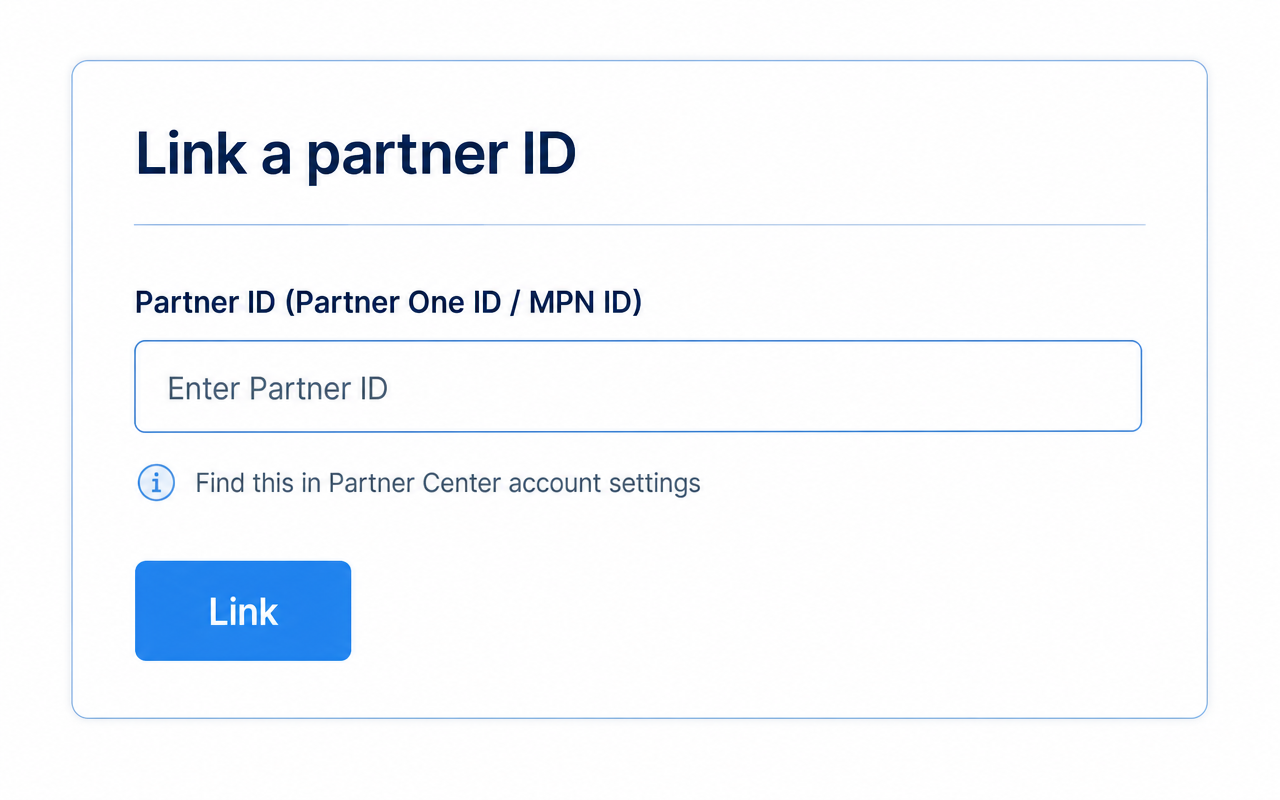
Every tag points at a single Partner One ID (the identifier previously called the MPN ID). Take it from the account settings area of Partner Center and make sure everyone tagging uses the same one, not a location-level ID from a different legal entity.
2. Decide what gets tagged
PAL tags the identity your team uses inside the customer's Azure tenant, not the subscription itself. Any user account, guest account or service principal your consultants and managed services team use to administer customer Azure resources should carry the tag.
3. Tag the identity
Sign in as the customer-facing identity and link the Partner One ID from the Azure portal, Azure CLI (az managementpartner create) or PowerShell (New-AzManagementPartner). The tag is applied per identity per tenant, so repeat it for every account that holds access.
4. Check the access is actually in place
PAL only attributes consumption the tagged identity has permission over. Reader on the subscription or resource group is the minimum. If the access is removed, the attribution stops from that day forward.
5. Verify in Partner Center
Attributed consumption shows up in the Partner Center insights reporting within a few days. If a customer never appears, the usual cause is an untagged identity, the wrong Partner One ID or access that was granted and then revoked.
Where partners get it wrong
Almost every PAL gap we find in a Partner Center Health Check comes down to one of these six things.
- Tagging one consultant's account and assuming it covers the whole delivery team.
- Tagging a break-glass or admin account that is only used occasionally, rather than the identities with standing access.
- Using a location-level ID instead of the top-level Partner One ID, which splits attribution across entities.
- Losing tagged access at the end of a project, so the consumption drops out of your Partner Center reporting.
- Assuming PAL is retroactive. It is not: attribution starts the day the tag and the access both exist.
- Forgetting service principals used by automation, monitoring and managed services tooling.
Frequently
asked questions
What is PAL tagging?+
PAL tagging is the act of linking your Partner One ID to an identity that has access to a customer's Azure environment, so Microsoft can attribute that customer's Azure consumption and influence to your partner organisation. PAL stands for Partner Admin Link.
Does PAL tagging cost the customer anything?+
No. PAL does not change the customer's billing, their agreement or their access. It is a reporting and attribution mechanism only, and it does not give you any additional permissions in their tenant.
How many identities should we tag?+
All of them. Every user, guest and service principal your business uses to administer a customer's Azure resources should carry the tag. Attribution is calculated from the access those identities hold, so a partially tagged team reports partial consumption.
Is PAL tagging retroactive?+
No. Consumption is attributed from the point the tag exists alongside valid access. This is why partners who tag late almost always understate their real Azure influence for that fiscal year.
Where does tagged consumption show up?+
In Partner Center insights, and from there it feeds the performance component of your Solutions Partner designation scores and several Microsoft Commerce Incentives programs.
Keep reading
Not sure your PAL coverage is complete?
We'll review which customers you're attributing today, find the tenants and identities you're missing, and give you a plan to close the gap before the end of the fiscal year.