
Azure PAL association, explained.
Tagging is the easy half. Association is the part that decides how much Azure consumption actually lands against your Partner One ID, and it is driven entirely by the access your tagged identities hold.
How association works
Once an identity is tagged with your Partner One ID, Microsoft looks at what that identity can see in the customer's Azure environment and associates the eligible consumption in that scope back to you. There is no claim process, no customer approval step and no invoice change. The association is recalculated continuously, so it grows and shrinks with the access your team holds.
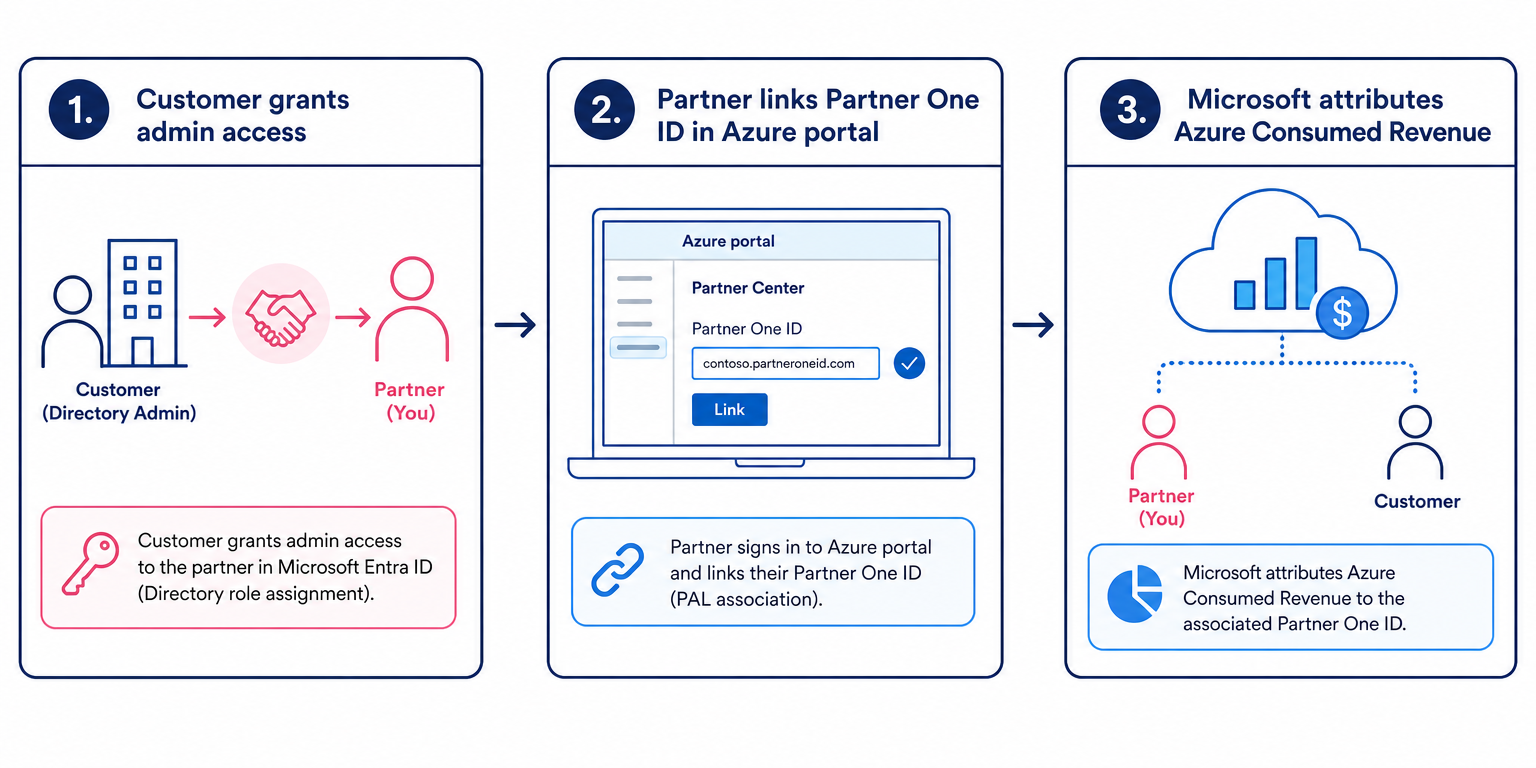
Access scope decides everything
| Access scope | What gets associated |
|---|---|
| Directory or tenant level roles | Broadest association. Anything the role can see across the tenant's subscriptions is in scope, which is why global admin style access tends to over-report if it is not intentional. |
| Management group | Associates consumption across every subscription beneath the management group. |
| Subscription | The most common and most predictable scope. All eligible consumption in that subscription is associated. |
| Resource group or resource | Narrow scope, useful where a customer will only grant access to the workloads you actually manage. Only consumption inside that scope is associated. |
Troubleshooting missing consumption
A customer isn't appearing at all
Either no identity is tagged in that tenant, the tagged identity has no active role assignment, or the tag carries a different Partner One ID from the one you are reporting on.
Consumption is lower than expected
The tagged identity's access almost certainly doesn't reach every subscription. Association follows access scope, so a resource group role will never report subscription-wide spend.
Attribution stopped mid-quarter
Access was removed, an account was disabled or offboarded, or a Privileged Identity Management assignment expired. Standing eligible access is what keeps association alive.
Consumption looks duplicated across teams
It isn't double counted for Microsoft's purposes. Multiple tagged identities in the same tenant with the same Partner One ID resolve to one attribution.
Numbers don't match the customer's invoice
They never will exactly. PAL reports eligible consumed revenue in scope of the tagged access, not the customer's billed total, and some service categories are excluded.
Frequently
asked questions
What is Azure PAL association?+
Azure PAL association is the mechanism by which Microsoft links Azure consumption in a customer's tenant to a partner organisation, based on a Partner One ID tagged against identities that hold access to those Azure resources.
Which Azure services are associated via PAL?+
Most consumption-based Azure services are in scope, including compute, storage, networking, databases and AI services such as Azure AI Foundry and Azure OpenAI. Marketplace third-party purchases, support plans, reservations in some cases and certain non-consumption charges are not treated the same way.
Does association depend on the access level?+
Yes. Association follows the scope of the role assignment held by the tagged identity. Reader at subscription scope associates the whole subscription; a resource group role associates only that resource group.
Can two partners be associated with the same customer?+
Yes. Multiple partners can hold tagged access in the same tenant and each will see the consumption their access covers, so attribution is not exclusive.
What does associated consumption feed?+
Azure performance in Partner Center insights, the performance component of the Azure Solutions Partner designations and specialisations, and eligibility and earnings across several Microsoft Commerce Incentives programs.
Keep reading
Want to know what your real Azure attribution looks like?
We'll walk your Partner Center insights with you, compare attributed consumption against the customers you actually manage, and show you where the association is breaking.